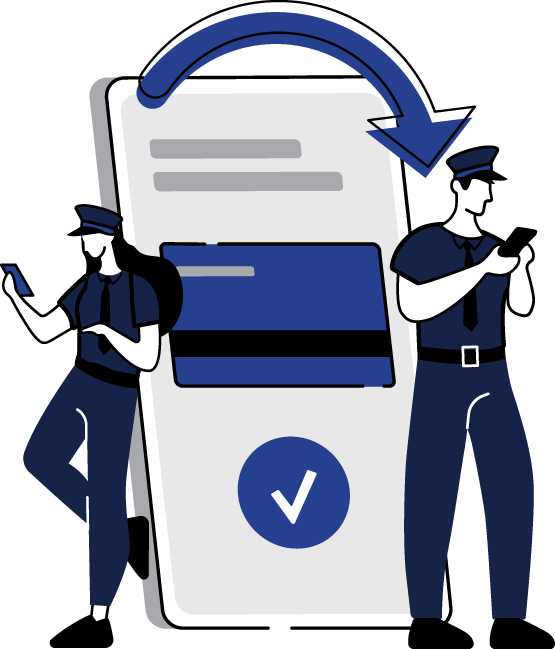

card control

Card Control

Take control of your National Police Federal Credit Union debit and credit cards, right from your phone or computer.


With Card Control, you can:

  • Turn your cards on or off in seconds
  • Receive real-time alerts when your card is used
  • Customize alerts based on amount, location, merchant type, and more
Message and data rates may apply from your wireless carrier.


card laptop

Why Use Card Control?

Card Control adds an extra layer of protection and convenience:

Instant Control 
Temporarily turn your card off if it’s lost, misplaced, or you’re not using it. Turn it back on when you’re ready.
Fraud Protection 
Spot suspicious transactions quickly with real-time alerts.
Spending Awareness
Track spending by setting alerts for specific dollar amounts or types of purchases.
Travel and Online Safety
Manage international and online transactions with just a few taps.


card control settings

What You Can Manage

You can personalize alerts and blocks for each card by:

  • Merchant Type
    Examples: travel, restaurants, gas stations, retail and more
  • Transaction Type
    Examples: mail/phone order, ATM, online purchases
  • Location / International
    Choose to allow or block foreign or out-of-area transaction
  • Spending Limits
    Set dollar thresholds to either block transactions or send alerts when purchases exceed a selected amount


leave review on laptop

Get Started through Online Banking

  1. Log in to National Police Federal Credit Union Online Banking.
  2. Go to the Additional Services tab.
  3. Select Card Control to view and manage your cards.
If you’re logging in from a mobile phone’s web browser, the menu bar is located in the top left corner of the screen.


mobile transfer

Get Started on the Mobile App

  1. Log in to National Police Federal Credit Union’s Mobile Banking App.
  2. iPhone users: Tap “Card Control” at the bottom of the screen.
  3. By default, all of your cards are turned ON and alerts are enabled for all transactions.
  4. Tap the ON/OFF button next to your card to temporarily activate or deactivate it.
Download the National Police Mobile App
Available on the App Store and Google Play 

Download on Apple App Store
Download on Google Play

visa settings coins

Personalize Your Card Control Settings

For each card, you can tailor your preferences:
  1. Tap Alerts and Control Preferences for the card you’d like to manage.
  2. Choose how you want to receive alerts:
    • All Transactions (default), or
    • Based on Merchant Type, Transaction Type, Location Type, or Spend Limits.
  3. You can also block transactions from any of these same categories for additional security.



information screen

Don't Forget

Important Reminders

  • Message and data rates may apply from your wireless carrier.
  • Turning your debit card OFF in Card Control will prevent new transactions while it is off, but it does not close the card.
If you are turning off your debit card because of fraud, you must still call the Fraud Department during business hours at 855-293-2461 to close that debit card and order a new one. Turning your card off in Card Control only prevents the card from being used while it is turned off.